Leverage expansive, always-on digital resources and hands-on support.
To help you get the most out of the package and accelerate innovation, Arm also includes training, expert support, and technical documentation. This wide range of support services is designed to help you reduce design risk and shorten time to market.
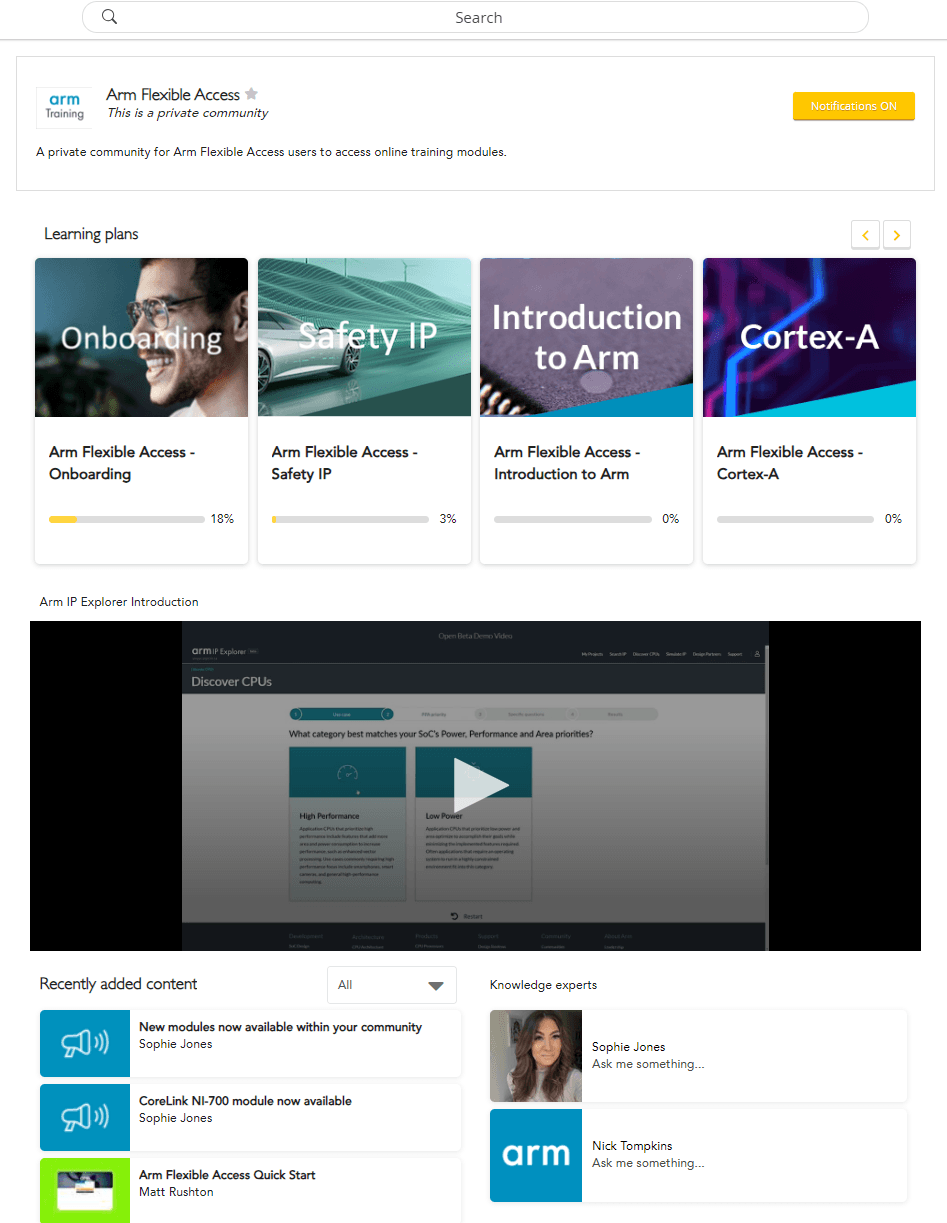
Arm Flexible Access partners' staff using Arm technology have full access to Arm’s on-demand training courses. Arm on-demand training covers a wide range of Arm based topics and is delivered in short bite-sized videos created by Arm engineers and instructional designers. Assessments are included so you can check your progress and print a certificate if you pass, and new content is created every month.
* Available to any employee of your organization using Arm products, subject to fair-use.
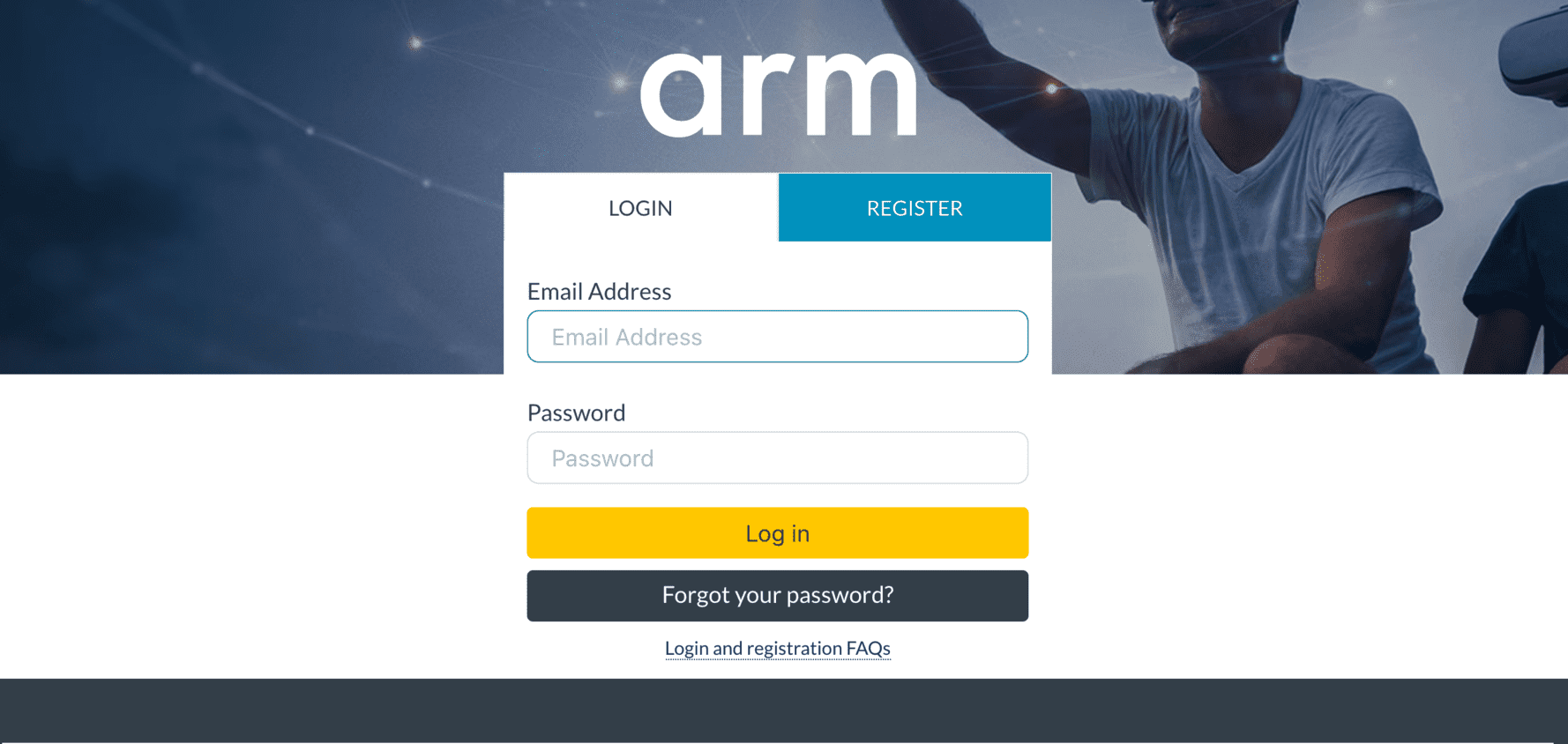
Note: To access Arm's online training you must be logged into your Arm Account and then register for access to Arm's cloud services at https://www.arm.com/resources/program-reg/afa-cloud-services. Please note this can take around 24 hours during business hours or longer over weekends. Use your corporate email address to ensure you receive all the benefits of your membership.
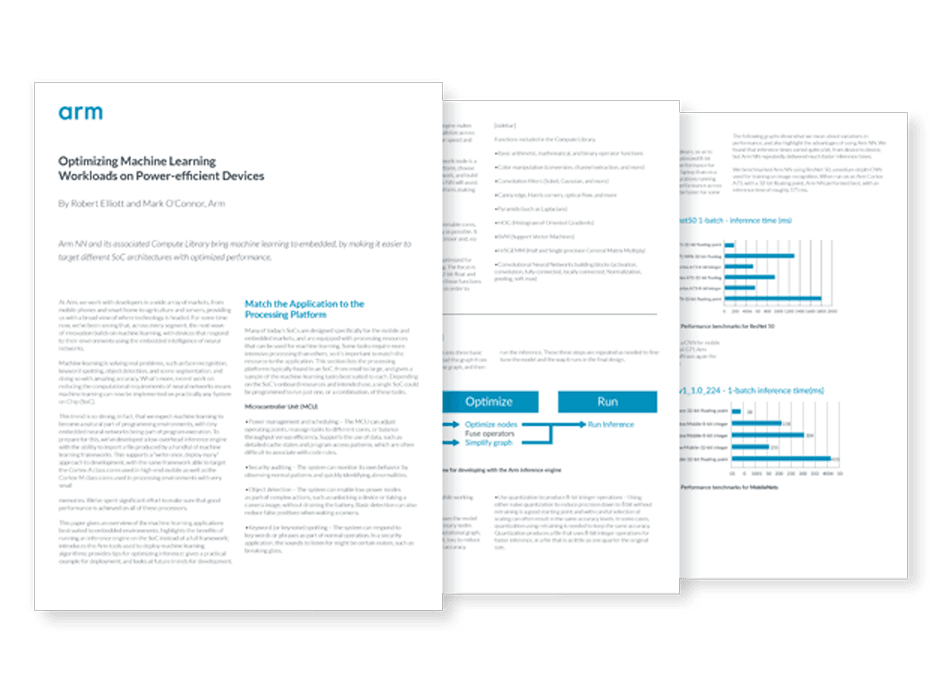
Stay informed with technical manuals, user guides, reference designs, architecture documentation, and more. Arm Flexible Access includes online access to vast libraries of all the right technical documentation for your Arm-based project.
Confidential content is made available with the download of Arm IP or, if you have the entitlements when you search documentation on Arm Documentation Hub, confidential documentation will be identified in search results using an open padlock symbol. Be sure to be logged in with your corporate email address to be able to view.
Access a wealth of technical documents for both the hardware engineer and software developer on Arm Developer site https://developer.arm.com/.
How do you contact technical support?
You can create and view support cases using the Arm Support Hub: http://support.developer.arm.com
Cases are logged into the support database and can be viewed by all our applications engineers worldwide. Each case is assigned a unique tracking number for easy reference.
Support Hub FAQs
What information to provide when raising a support case
What to expect once you have opened a case
Our worldwide team of experts provide online design advice and debug assistance. Arm Flexible Access mainstream packages come with unlimited technical support.
Support is provided Monday to Friday, excluding national holidays, from our global support team in the US, APAC and EU regions.
Pro tip: One in ten users got an instant answer to their query by using Arm's Support Hub. And if you search your query using 3 or more keywords you are twice as likely to get an instant answer to your problem.
The Arm Application Engineer best suited for supporting your product will take your case.
Communication is typically through support cases, since it can take time to analyze your issue and provide you with the correct answer.
Our application engineers may suggest a call if we feel that may resolve things more efficiently.
Most support cases receive a response in 24 hours.
To escalate your case:
Change the priority value on your case if it needs to be updated.
Tell the support engineer on your case if the issue is urgent.
Let us know as soon as possible, so we can try and get ahead of your timeline.
Contact your FAE or sales representative and let them know the urgency and they can help.
Accessing Arm’s Support Hub
Creating a support case
Managing your support cases